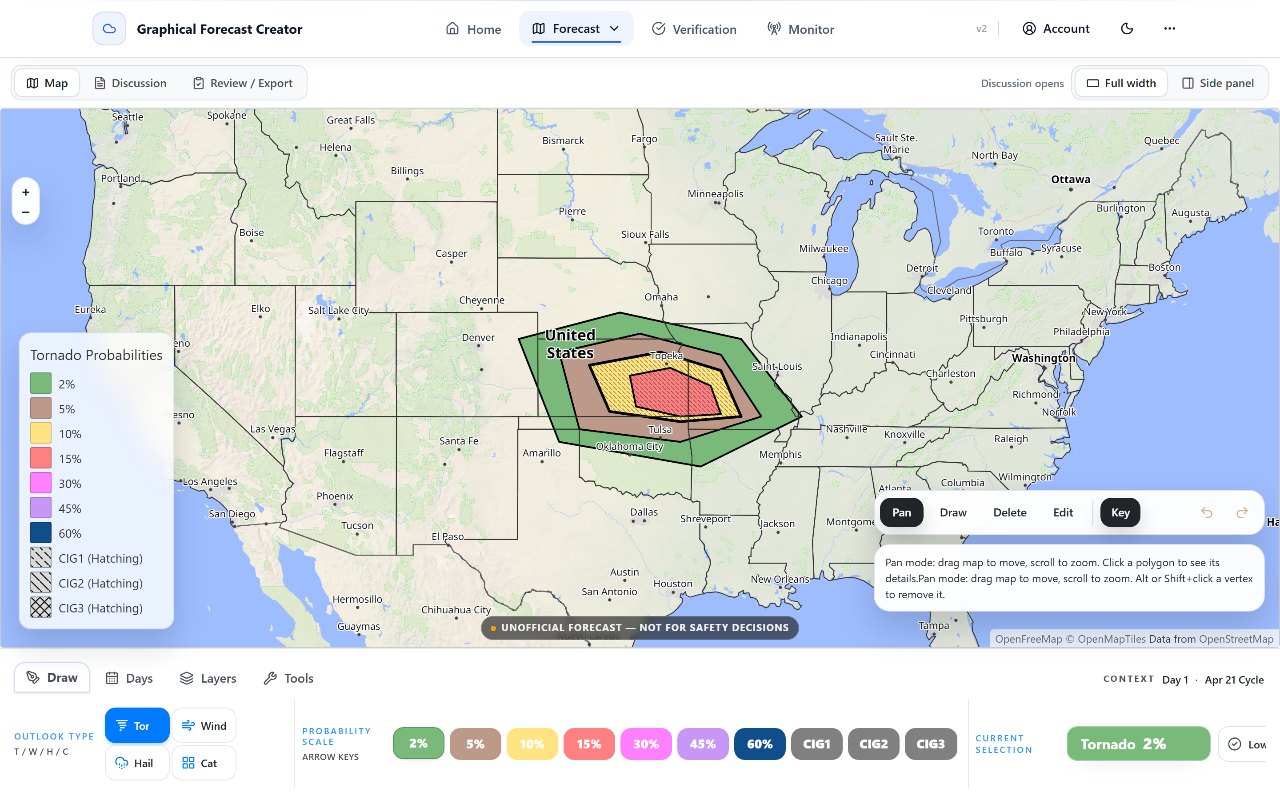
A forecast builder for weather people. Make your own products, draw them on the map across an eight-day cycle, explain your reasoning, and check how it verified.
Create a layer, name it, and give each category its own color and opacity. Heavy rain, fire weather, winter precip: your call.
Multi-day cycles
One cycle, eight forecast days. Jump between them from the Days tab.
12345678
Guided discussion
Answer the questions; the live preview formats it.
Day 1 Outlook Discussion ** UNOFFICIAL OUTLOOK **
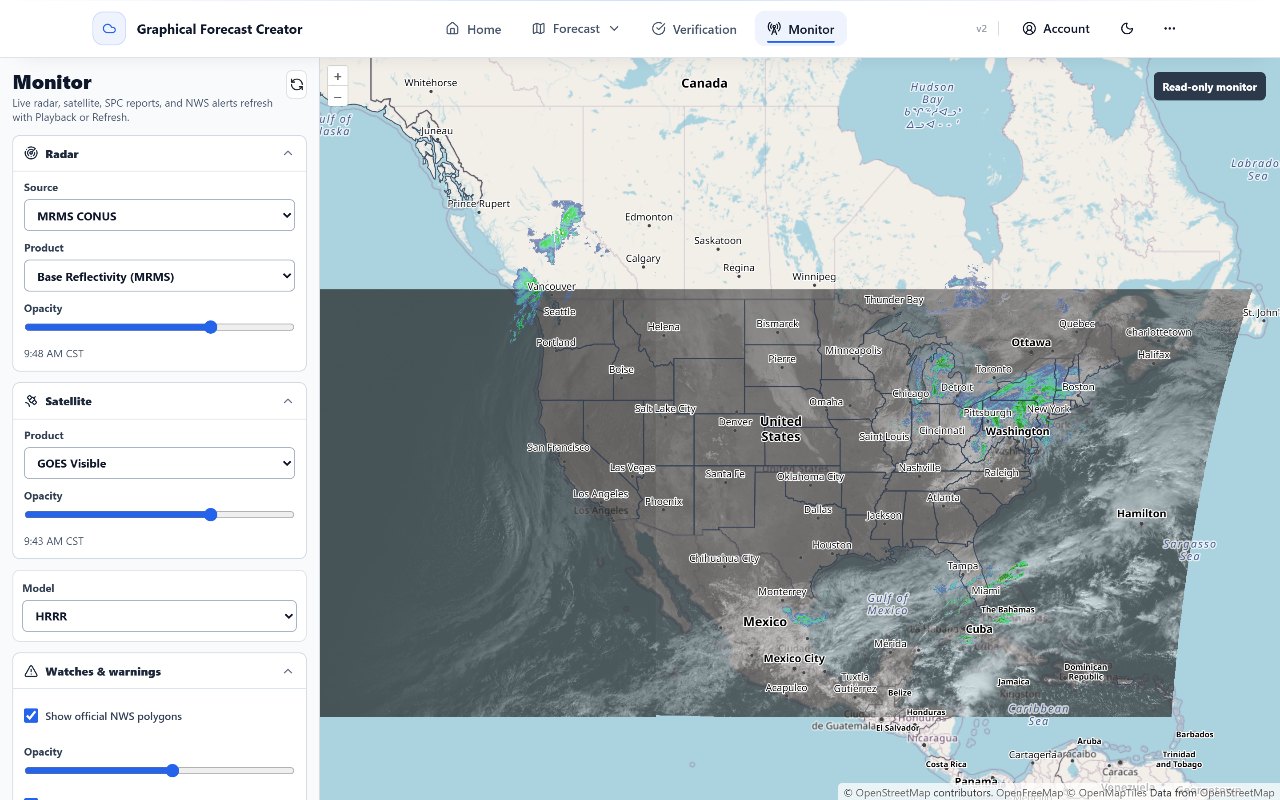
Monitor
Radar, satellite, warnings, and reports in one read-only view.
MRMS reflectivity
The severe outlook, built in
Tornado, wind, and hail probabilities with hatching, plus an automatic categorical map.
TorWindHailCat
Forecast Grade & packages
Save, package, and export your forecast, then grade it against SPC reports and NOAA DAT surveys.
SavePackageExport78 / 100
A place to make your own forecasts, then check them.
GFC is a forecast builder for weather enthusiasts, students, and forecasters who want practice. You make the call. The reports grade it.
What it is
A builder for your own forecast products
A way to explain and share your reasoning
A practice loop: plan, build, monitor, verify
What it isn't
An official forecast or warning source
Something to make safety decisions with
Affiliated with the NWS or SPC
From a GFC user
GFC (Graphical Forecast Creator) has helped me improve as a forecaster over the past few months. As I continue to learn more about meteorology, GFC has continued to help me improve my forecasting skills. As I continue to advance into meteorology, GFC has changed how I did forecasting, as other tools were difficult to use. I remember the first time I’ve found GFC, and has helped me meet new people who are into meteorology. GFC has opened many doors for me, and I’m proud to be a user of GFC.
Chris WardGFC user
From a GFC user
I’ve been using Graphical Forecast Creator since its inception. Not only does it streamline outlook creation, but the fact you can view storm reports and track the event to verify your forecasts is particularly useful. This tool reimagines the standard of forecasting convective weather events that AWIPS set a while ago, except this platform is easier to use and far less buggy. I’m excited for the upcoming expansion to tropics and winter weather as well. Cannot recommend this enough.
Adler@WeathermanAAA_ on Twitter
Pricing
Forecasting stays free.
Build, write, save, export, and verify forecasts on your device at no cost. Premium covers the hosted layer: cloud storage and access from every device.
Yes. Building, writing, saving, exporting, and verifying forecasts on your device is free, with or without an account. Premium only covers the hosted layer, like cloud storage. See Pricing.
No. Continue without an account to try it. Create one when you want to sync your settings, or to use cloud storage with Premium.
No. Forecasts made in GFC are unofficial and not for safety decisions. For official outlooks, watches, and warnings, use weather.gov.
No. The severe outlook is built in, but custom layers let you build any product you want: heavy rain, fire weather, winter precipitation, tropical areas of interest, and more.
On your device, automatically, with a history of earlier cycles. If you have Premium, you can also keep cycles in the cloud and open them from any device.
GFC is built for desktops and large screens, where drawing on a map is comfortable. Some parts work on mobile, but a bigger screen is the best experience.
Yes. GFC is made for learning, and personal, educational, and non-commercial use is exactly what it is for.
Yes. You can export your forecast and share it, as long as it is clearly labeled unofficial. Your forecasts belong to you.